Web applications
Clients check the status themselves, and your team works in the browser
Custom web application development: we build a client portal where customers check the status of their case and their documents themselves, and a panel where your team handles cases. You open it in the browser of a phone or computer, with nothing to install. We build it for small companies in Poland that have outgrown a spreadsheet on one computer and phone calls to the office.
We will reply within 1 working day with questions about who will use the application and for what, and with a time for a call.
- Just a linkThe system opens in a browser on any computer in the company.
- On the phoneThe same portal, comfortable on a phone screen.
- Three languagesPL · EN · UA in one click.
- Clients see the statusFewer calls asking “what’s next?”.
- Process automation
- from 8,000 PLN
- CRM / ERP system
- 20–90k PLN
- Example: a client portal
- PLN 31–37k net
- Language versions
- PL · EN · UA
A client calls to ask where their case stands
Four situations from small companies where the information exists, but not where it is needed.
- Now
Calls asking for a status
Clients phone and write to find out what is going on with their order. Someone in the office drops their work to check and answer.
With the systemThe client logs in to the portal and sees for themselves where their case stands.
- Now
A program on one computer
The spreadsheet or program works only on a computer in the office or on a shared drive. From home or on a trip, nothing opens.
With the systemThe application opens in a browser from anywhere, and roles decide who sees what.
- Now
A field worker phones the office
A fitter or a representative phones the office for the address and arrangements, and copies notes from a scrap of paper.
With the systemThe same application runs in the phone’s browser, just open a link.
- Now
Documents travel by email
A contract, a quote and a handover record go back and forth as attachments. After a week nobody knows which version is current.
With the systemDocuments sit in the client portal and in the case record, in one current version.
What you get
A portal for the client, a panel for the team and one application on every device
This is how the web applications for businesses that we build usually look. We fit the scope to your clients and documents.
- Layer 02
Team panel
- A list of cases, clients and tasks on one screen
- Roles: everyone sees only what they need
- Forms instead of paper slips and spreadsheets
- Layer 03
On every device
- A phone in the field, just a browser
- A computer and a tablet, in an ordinary browser
- We roll out updates on our side, and you never install a new version
- Layer 04
Languages and visibility
- Polish, English and Ukrainian versions, also for clients from abroad
- A public part that Google can see, because the server returns ready content
- Each language version has its own address and description for Google
This is how applications look in daily work
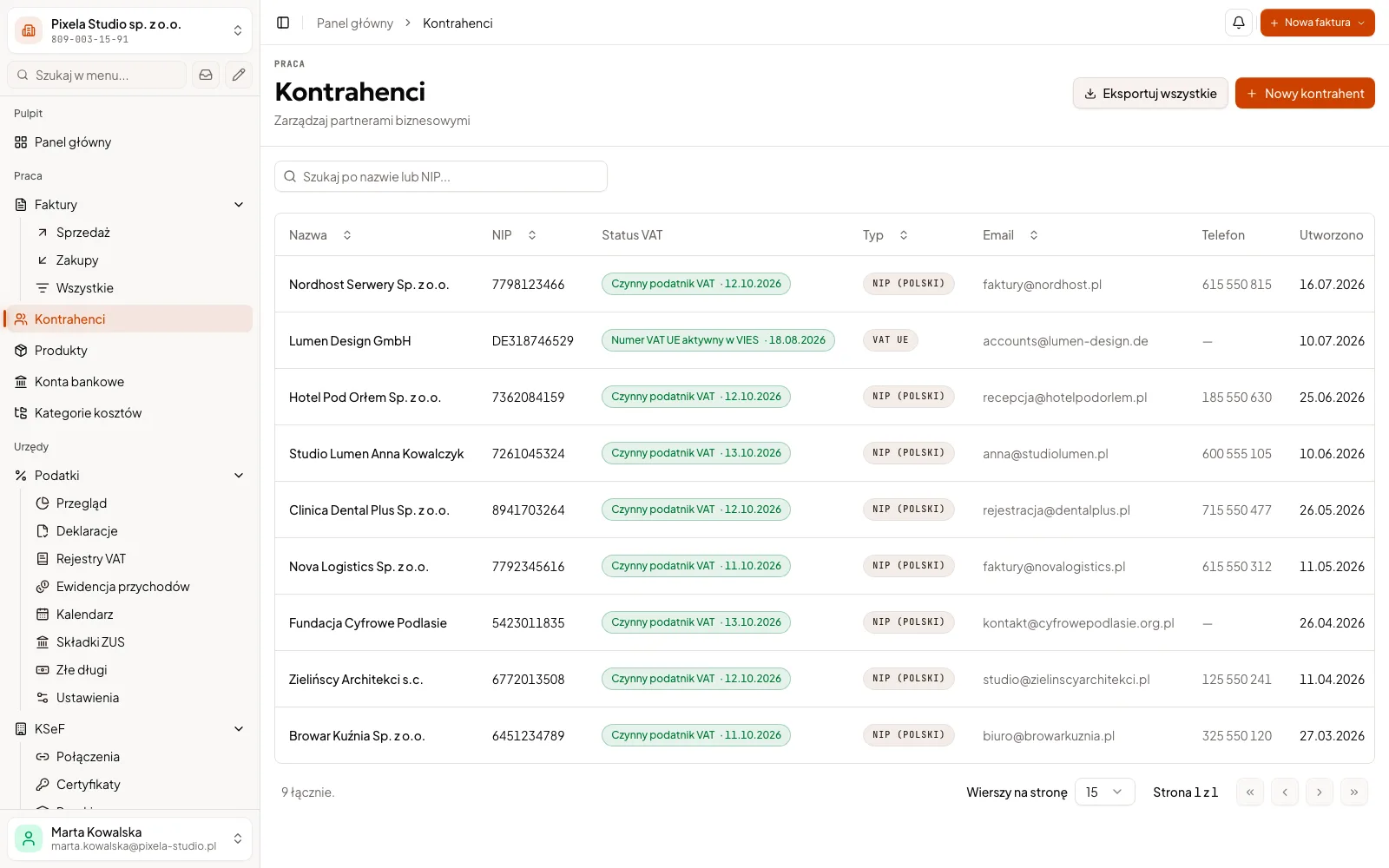
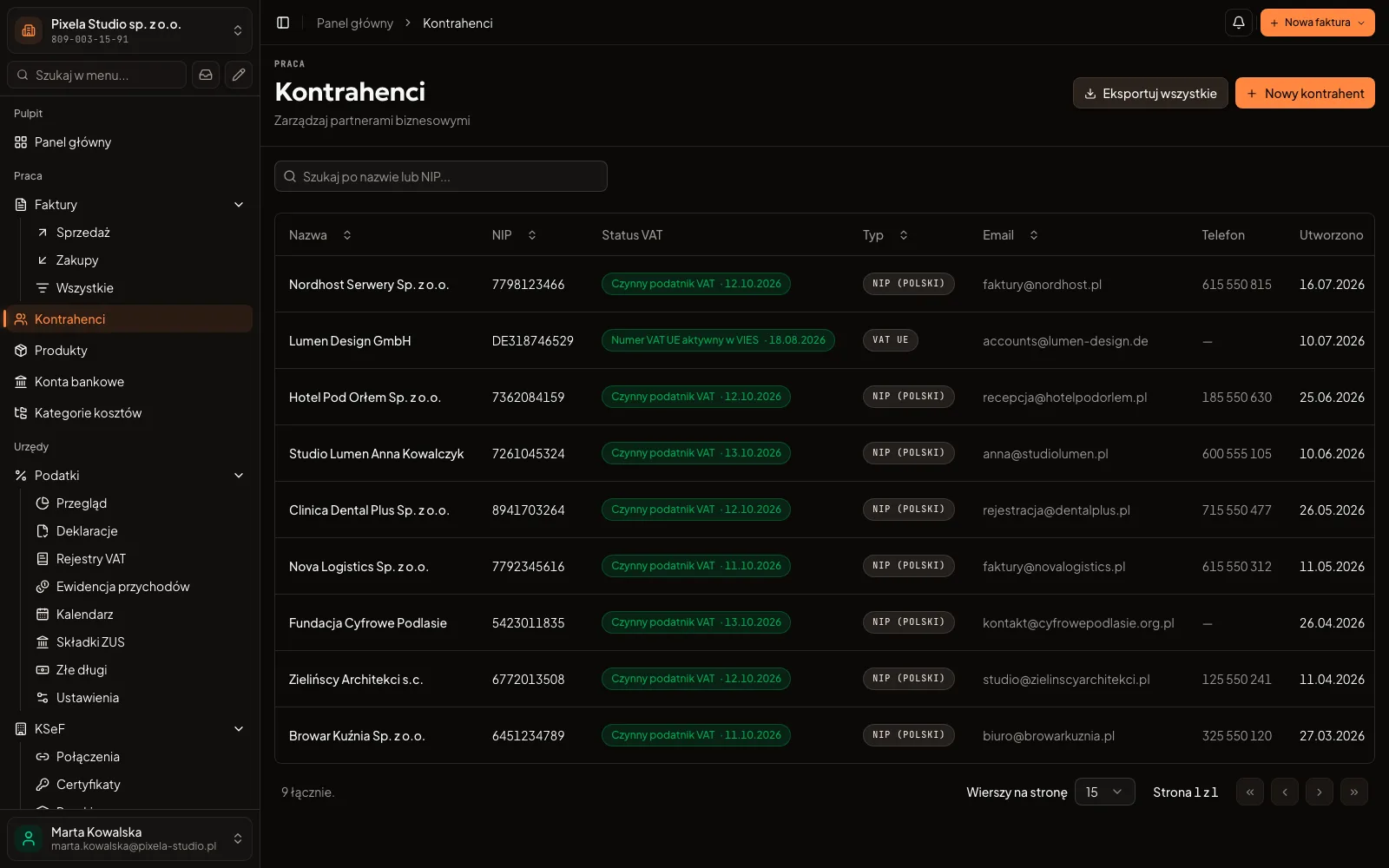
Two web applications we work in every day. Your application gets its own look, but it rests on the same principles.
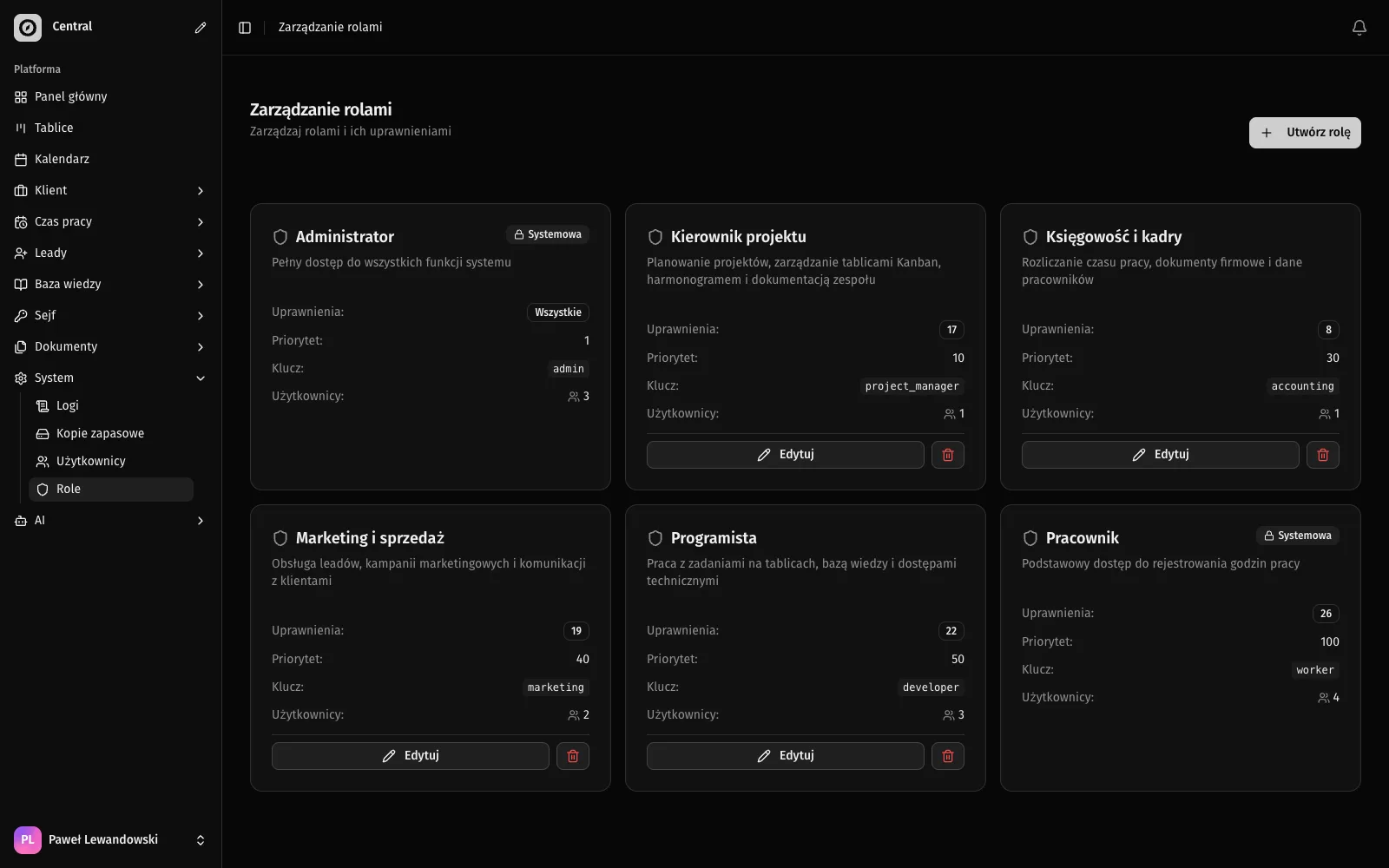
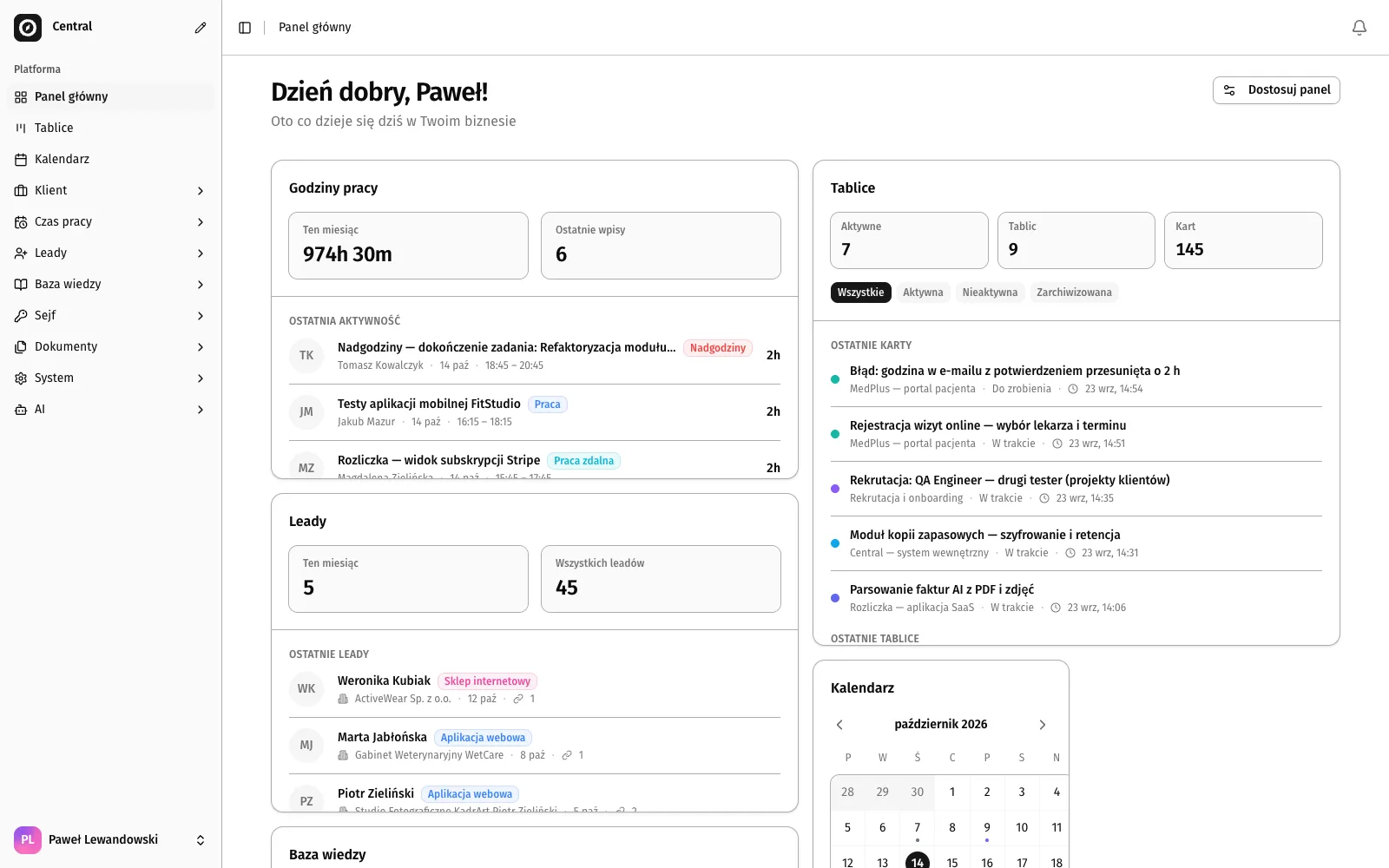
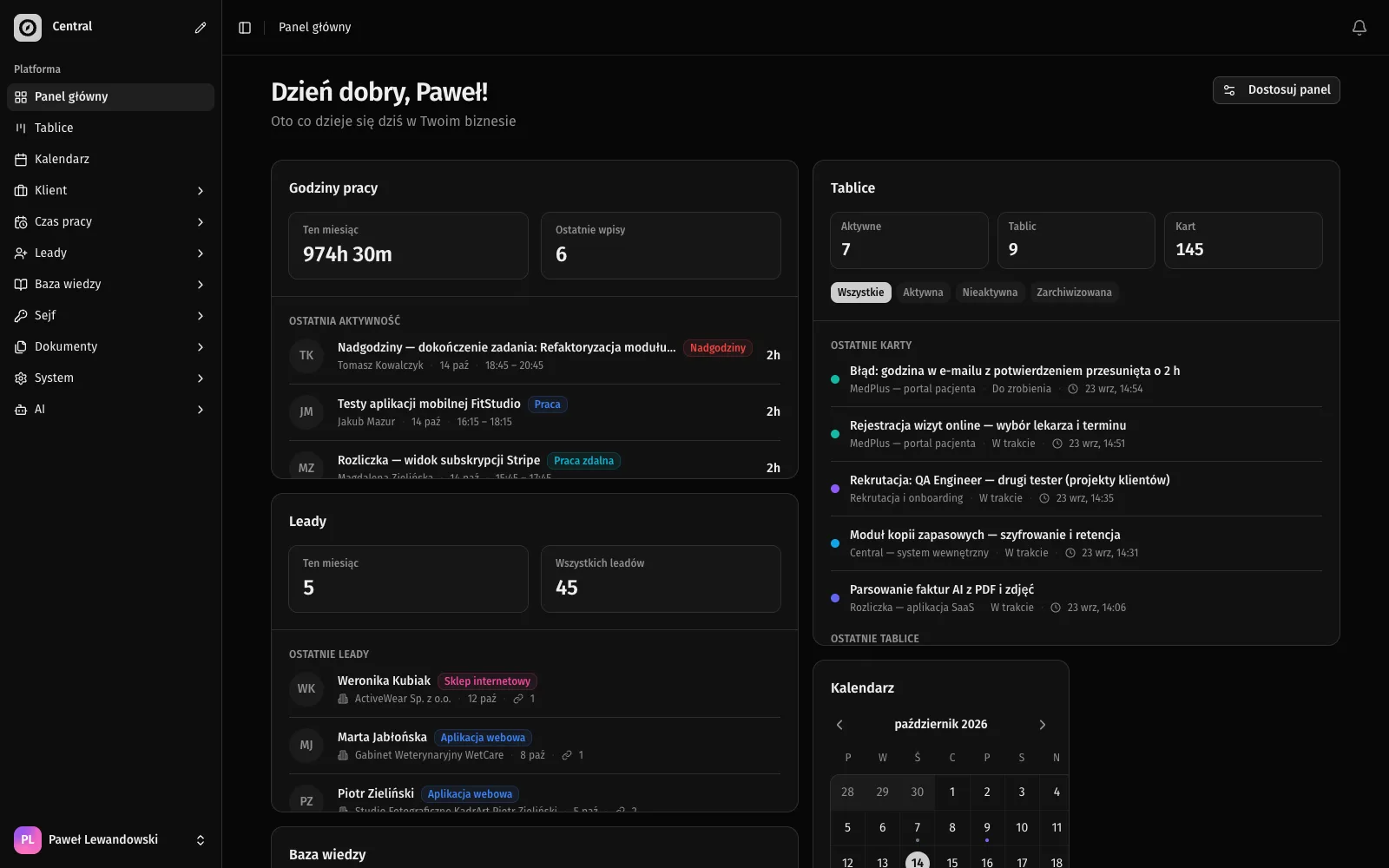
Central, our company’s internal platform: tasks, enquiries and documents in the browser
Our web applications
136
permissions combined into roles in Central: everyone sees what they need for their work
See the client projectTwo applications we work in ourselves
Central is our company’s internal platform, and Biurko is our own invoicing program, in use since June 2026. Both run in the browser, with nothing to install. They are not client projects, but we build the portal and panel for your company on the same principles. In the same way, one stage after another, we built a client’s system for a property manager: 11 weeks from start to final sign-off, 4 stages, each closed with a signed record.
See the Central project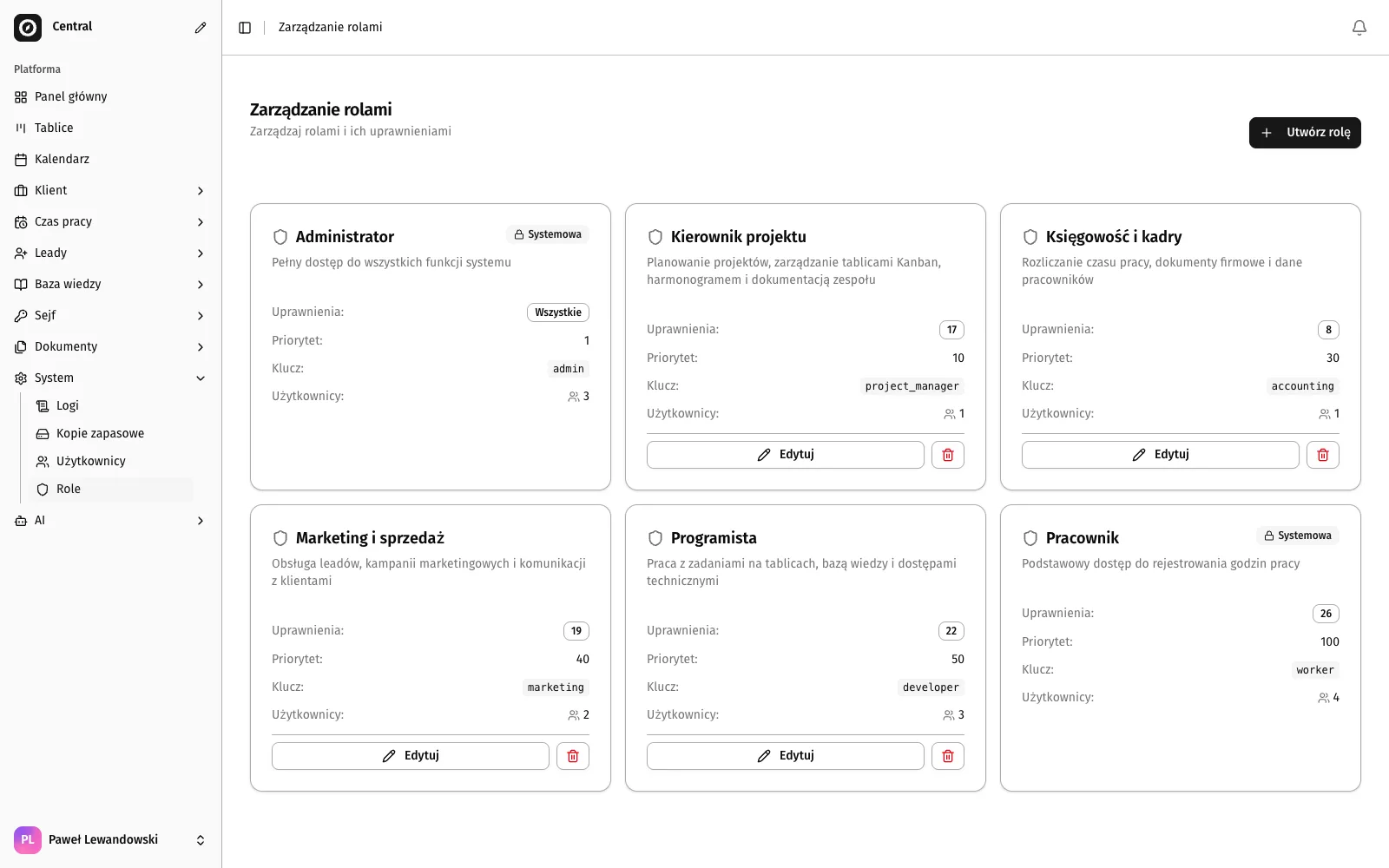
How much does a web application cost?
Two example quotes for an application, priced with the calculator in the “Pricing” section of the home page, and a website to start with.
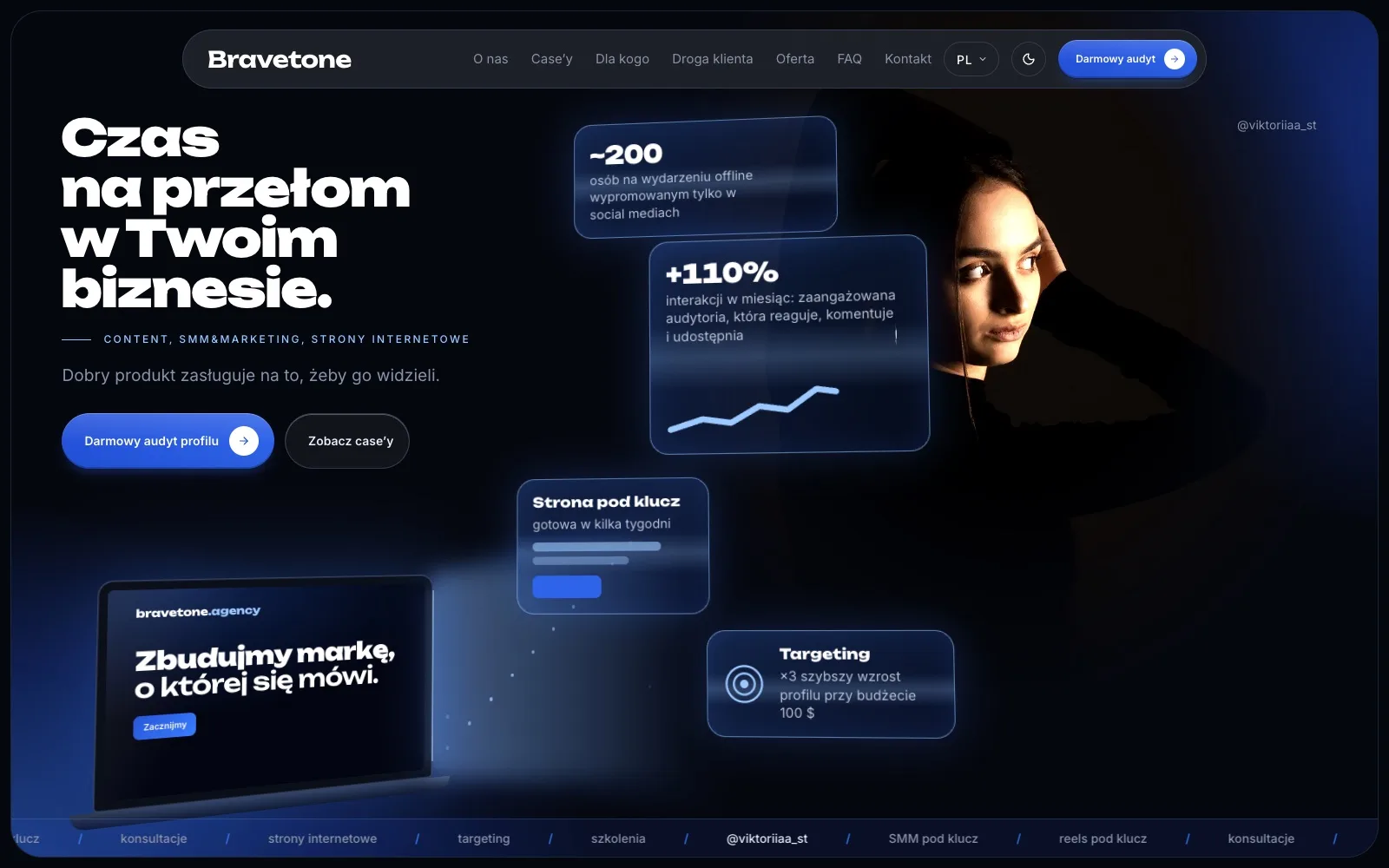
02 / 03 · Client portal
Portal for your clients
PLN 31,000–37,000
The system core (login, roles, panel), a client record, PDF and Excel documents, and Polish, English and Ukrainian versions.
Ask for a quote- The client logs in and sees the status and documents of their case
- The team sees all client cases in one panel
- Runs in the browser of a phone and a computer
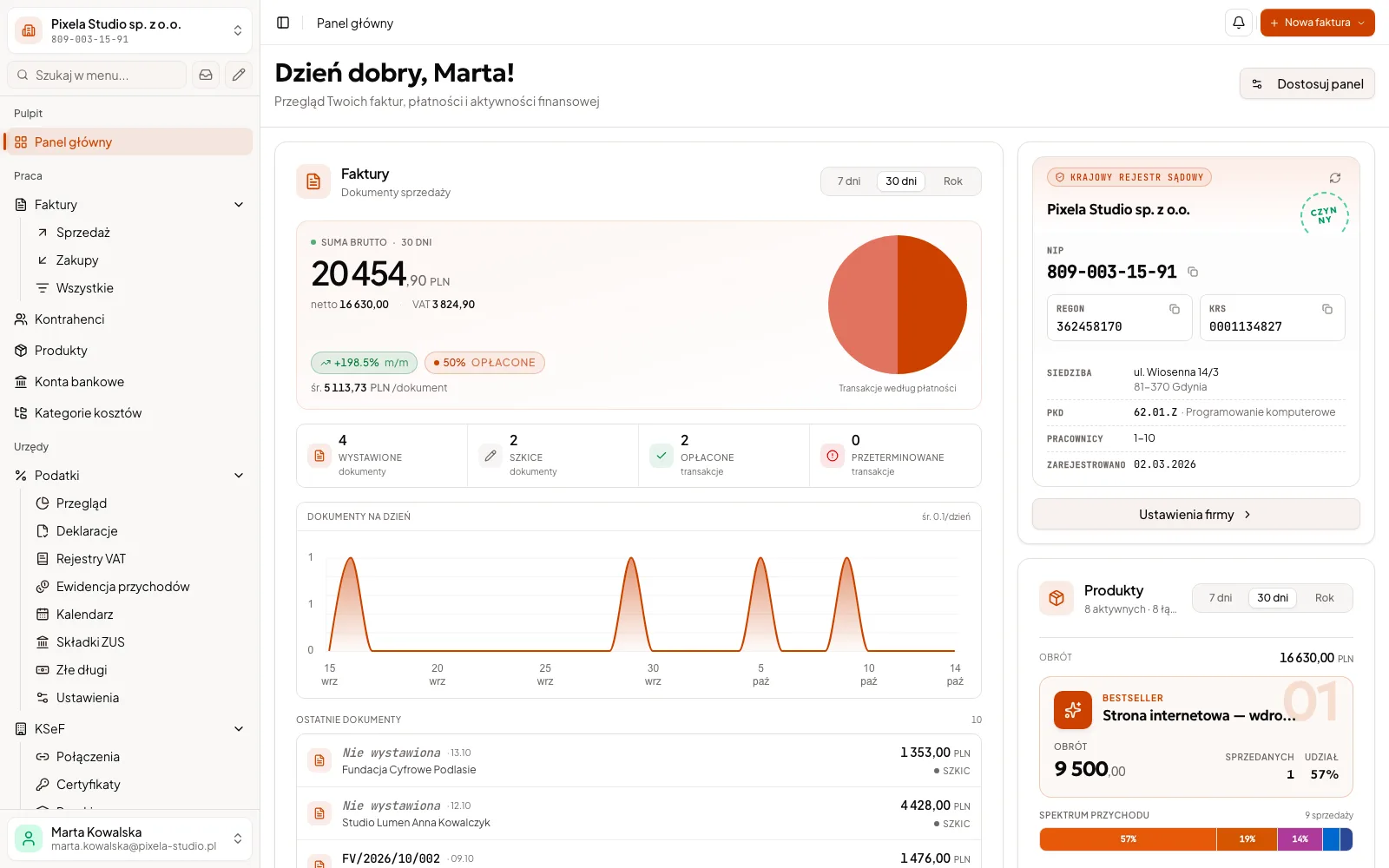
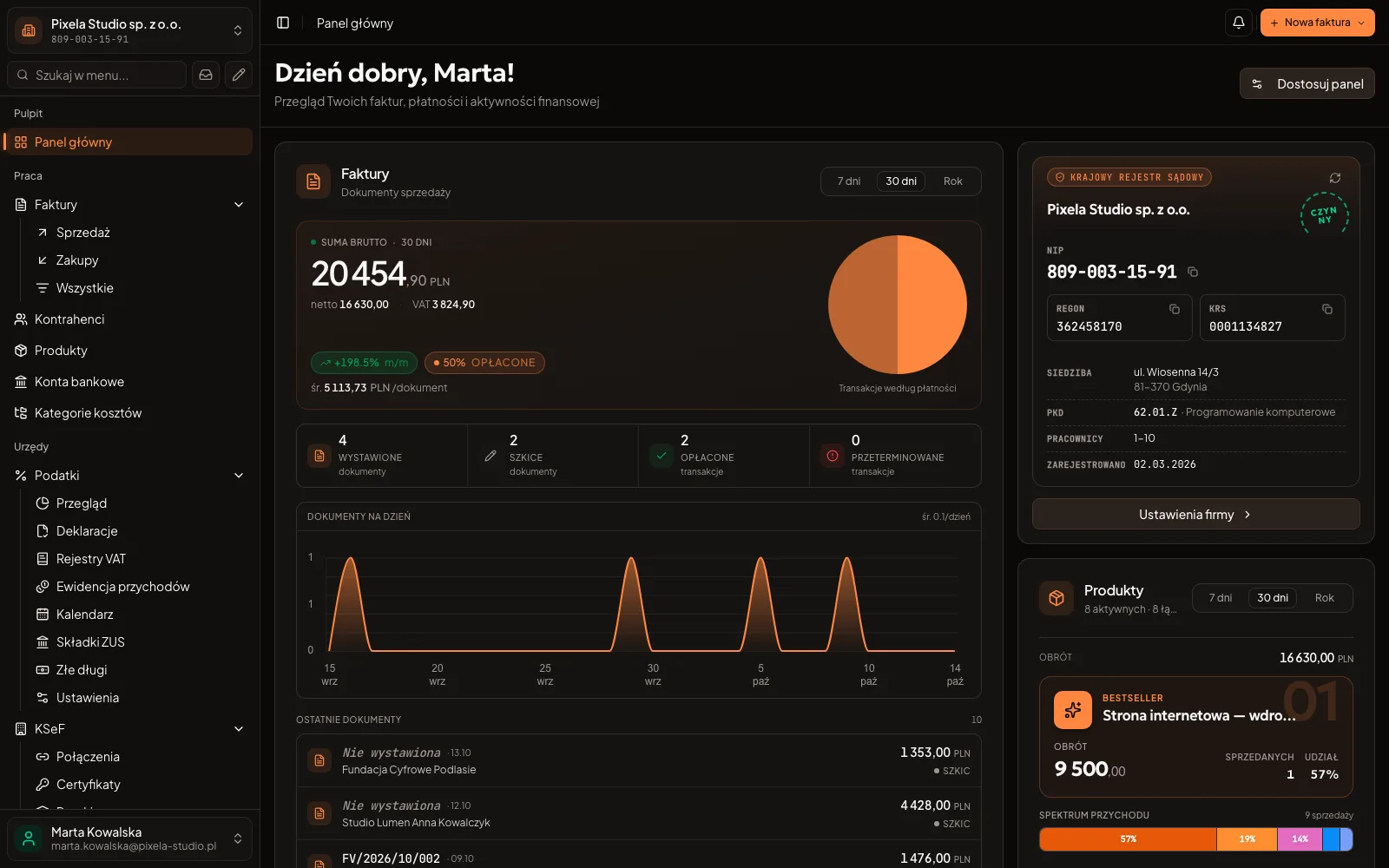
Example quote: net and approximate amounts. You get a binding quote with the scope after a conversation.
An app from the store or a web application?
A native app is the kind you download from a store onto a phone. Most companies are served well by an application in the browser, and a native one wins in a few cases.
- First start
- App from the storeFind the app in the store, download it and accept the permissions.
- Devices
- App from the storeOften a separate version for each phone system, and the computer needs yet another.
- New versions
- App from the storeA new version goes through the store, and the user has to install it.
- Cost
- App from the storeUsually higher, because versions for several systems have to be built and maintained.
- When each one wins
- App from the storeWhen you need deep access to phone features, work without a network, or a presence in the store.
If you are not sure which one you need, we will say so in the conversation, before you pay anything.
Questions about web applications
Price, a native app, languages, an online shop, existing data, the server, changes after launch and when we are not the right fit.
A portal for your clients with a client record, documents and three language versions comes to PLN 31,000–37,000 net in our example, and with orders, invoices and reports for the team to PLN 42,000–50,000 net. A company website costs from PLN 3,000, or from PLN 7,000 with a blog, a form and an AI assistant. You can put together an approximate price for your own scope from modules in the “Pricing” section of the home page, and you get a binding quote after a conversation.
Usually an application opened in the phone’s browser is enough, so you do not look for it in a store. Whether a native one is needed we settle only for a specific project. The comparison is above.
Yes. We build the interface and content in Polish, English and Ukrainian. The team and the clients can use different languages, and the public part has its own address in each version.
We do not build shops from scratch: a ready-made shop platform is usually enough for selling online. What we can do is connect it to your portal or system, so that orders and invoices reach it on their own.
We load the spreadsheet data after tidying the columns together. We can move the current site or rebuild it. You check the result on a test environment before clients see it.
When the budget does not cover even the simplest automation (from 8,000 PLN): a portal costs more, as in the examples above, and a company website has its own, lower price. When a ready-made program or shop platform already does the job: we will say so in the conversation and will not build our own. When you are looking for a developer by the hour: we do not join other teams or add to someone else’s code without a review.
The application runs on a server that we set up and look after together with the backups. What running the server and support cost once the included months are over is written above, next to the stages of work. You can also run the server yourself or entrust it to another company.
If the site has a blog, you add posts yourself in the panel. We change other texts and make small fixes as part of support, within the hours set in the quote, and if you give it up, you hold the code and the access, so any company can make the changes.
Related services
These usually go together with what you have just read.
- Custom CRM developmentClients, quotes and sales in one system
- Business process automationInvoices, KSeF and reminders without manual work
First step
Describe who will use the application
Write a few sentences about who needs which information today and where they look for it. We talk online across Poland, and in Katowice and Silesia also in person.
- You describe the matter, and we reply with questions about who will use the application.
- We talk about who will use the application and what they should see. No specification is needed.
- You get a quote with the scope and price of each stage separately.
A free automation map
We talk for up to 45 minutes about how you work. Within 3 working days of the conversation you get a 1–2 page PDF by email: 3–5 of your company's processes, where to start, and an approximate price and time range for the first stage. No commitment, and the document stays with you.